
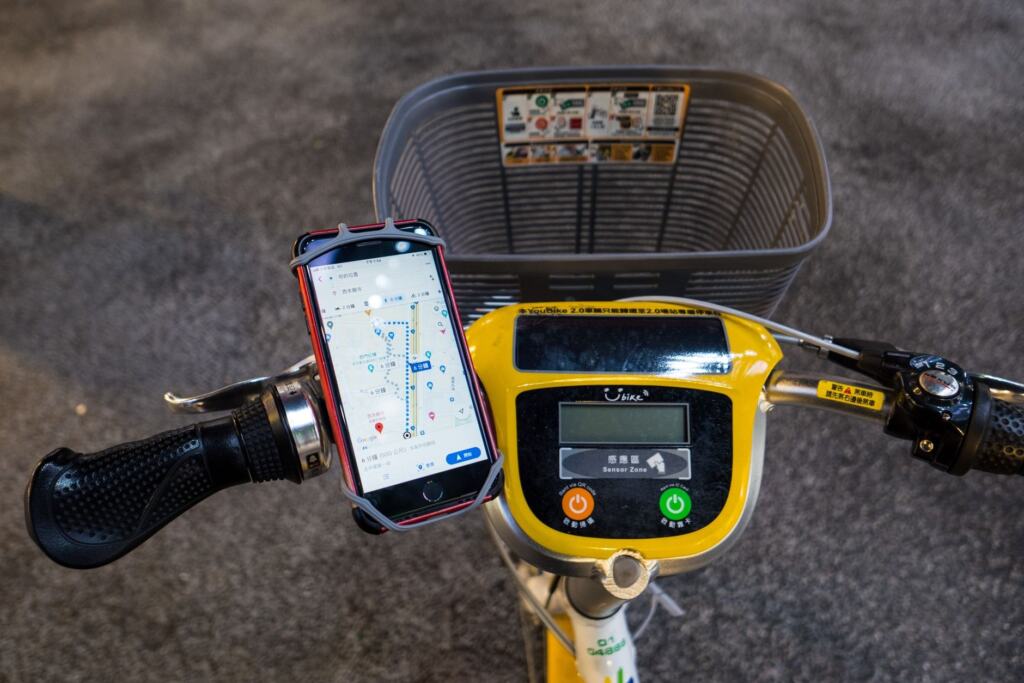
Planning a long ride on unfamiliar roads? The best cycling computer is the one that matches your longest day: choose navigation and stored maps for new routes, and the longest battery claim for touring.
This comparison sorts head units by riding use case rather than by brand loyalty. It sits within our wider guide to cycling gadgets. If you are weighing a dedicated unit against the phone already in your pocket, the bike computer vs phone comparison covers that decision separately.
How to judge a cycling computer
Most buying mistakes come from starting with the screen or the price. Work through the criteria in this order, because each step narrows the field for the next.
- Battery against your longest day. A retailer’s cycling computer range quotes battery life from 10 to 40+ hours, depending on the model. That spread is wide enough that the bottom of the range will not finish a full touring day with GPS running. Rule out any model whose stated figure falls short of your longest ride.
- Navigation and maps. Decide whether you need turn-by-turn directions with stored maps, or only a recorded track and speed data. Navigation raises the price and the demands on the battery, so only pay for it if you ride unfamiliar routes.
- Screen size and readability. A larger display makes a map easier to read at a glance. A smaller one suits riders who mainly want data fields. The same listing says current screens are designed to be easy to read in sunlight or low-light conditions.
- Sensor protocols. Check that the unit pairs with the heart-rate strap, power meter or cadence sensor you already own. Listings describe Bluetooth and ANT+ for pairing with sensors and apps. If an existing sensor speaks only ANT+, a unit without it adds a replacement cost.
- App sync. Confirm that the unit connects to the services where your routes and rides live. That matters more than most spec-sheet items if you plan routes in an app.
Side-by-side comparison of Garmin Edge models
The table compares four Garmin Edge units that a Garmin comparison covers in detail. Blank cells mean the comparison gives no figure, so check the manufacturer’s own page before buying.
| Model | Screen | Battery with GPS | Navigation and features | Planning use |
|---|---|---|---|---|
| Edge 1030 | 3.5-inch touchscreen | — | Strava training peak feature on the device | Suits riders who want the largest map view and Strava-linked training data. |
| Edge 1000 | 3-inch display with auto-adjust brightness | — | High-resolution screen | A good fit where changing light is the main readability problem. |
| Edge 830 | — | Up to 20 hours with GPS on | — | Covers a long single-day ride, but is not a multi-day tool on its own. |
| Edge 530 | — | Up to 20 hours on its own power, plus up to 20 hours on backup | Maps for locations you have never visited, with alternative routes shown | The strongest case here for long days on new roads. |
Figures are as reported in this Garmin Edge comparison.
Read the table as a set of trade-offs, not a ranking. Within this group, the Edge 1030 offers the largest screen, while the Edge 530 offers the clearest endurance and navigation case. An “up to” battery figure is a ceiling under stated conditions, so leave yourself margin rather than planning to the last hour.
Best for navigation and offline maps
Turn-by-turn guidance on the handlebar
A bike computer with navigation gives you GPS-based directions without handling a phone. Retail listings describe turn-by-turn directions and built-in GPS tracking for route planning as standard features of this product class. If you ride mostly familiar loops, you may never use them. If you explore, they are the main reason to buy a mapping unit rather than a basic speed-and-distance computer.
Among the models compared above, the Edge 530 is the one described as giving access to maps for locations you have never been to, with alternative routes shown. That makes it the sensible shortlist entry for riders heading somewhere new. The Edge 1030’s bigger touchscreen suits riders who read the map often and want more of it visible at once.
Do bike computers work with offline maps?
Yes. Dedicated head units carry built-in memory to store tracks and routes, along with base maps, so guidance does not depend on a mobile signal. This is a real advantage over a phone, where the need to download maps offline can consume significant internal storage space.
The practical rule is to load your route before you leave and confirm it appears on the unit while you still have a connection. Do that the night before, not at the start of the ride.
Best for touring and battery endurance
Touring turns battery life from a spec into the deciding factor. A bike computer’s battery on a long ride is measured against the day’s riding hours, not against a single outing. Bikepacking guidance notes that head units can run up to two days without charging, and that the newer Garmin solar units can extend this to around five days. By contrast, relying on a phone for navigation might require daily charging.
Its reported figure is up to 20 hours on its power, plus up to 20 hours on backup, so it can bridge a long day with a reserve.
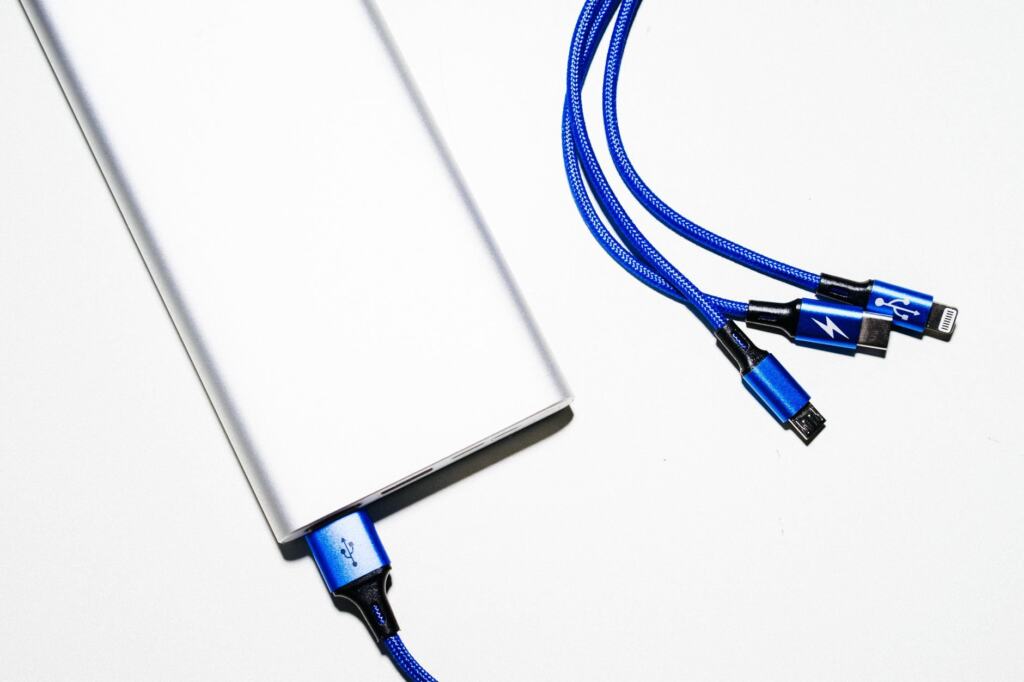
If you tour with a model that has no solar assistance, carry a power bank and top up during stops rather than waiting for a low-battery warning on a remote stretch.
Screen, sensors and wet weather
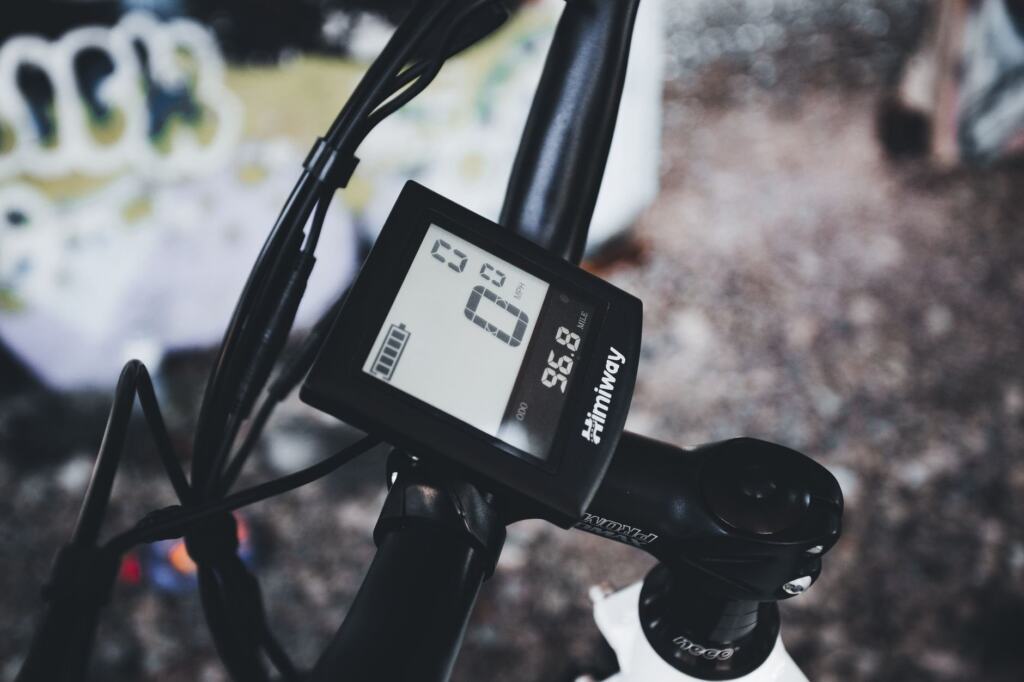
Screen size is a comfort choice, not a performance one. Reported sizes in this group run from a 3-inch display to a 3.5-inch touchscreen. Garmin’s Edge 1000 pairs its 3-inch screen with high resolution and auto-adjust brightness, which helps when you ride between shade and open road. The Edge 1030 gives you the extra screen area at the cost of a larger unit on the bars.
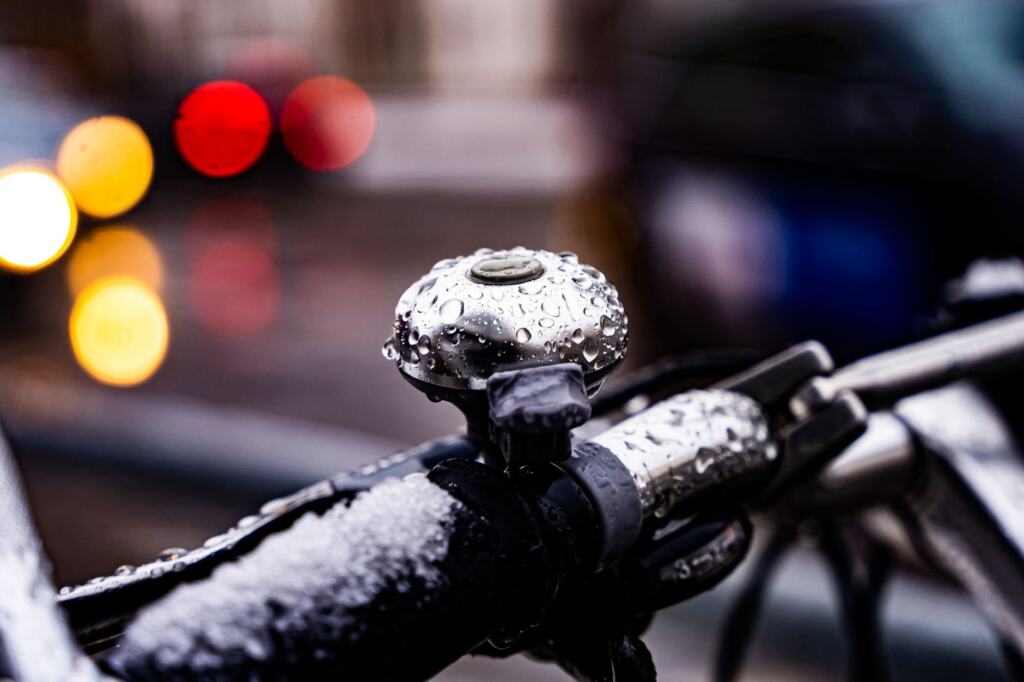
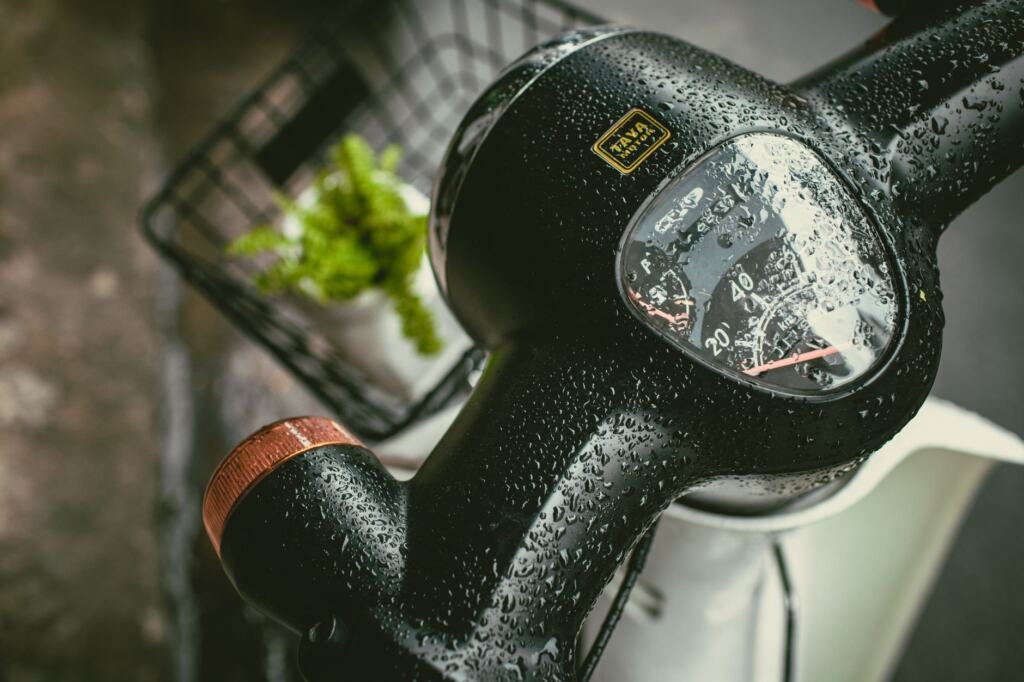
Wet weather is where touchscreens deserve a second thought. Droplets on any handlebar display make small text harder to read, and a physical button layout is easier to use with wet or gloved hands than a touchscreen. Waterproofing ratings and button layouts are model-specific details, so confirm both on the manufacturer’s specification page for any model you shortlist.
On sensors, the safest approach is to inventory what you already own. A unit that supports both Bluetooth and ANT+ pairs with the widest range of straps, power meters and speed or cadence sensors, so it will not force replacements later.
Syncing Komoot and Strava routes
Routes reach a bike computer by upload, not by magic. Bikepacking guidance says head units offer efficient methods for rapidly uploading tracks to the units, either wired or wireless. In practice you plan or pick a route in an app, then send it to the unit over a cable or a wireless connection.
On the app side, listings describe units that sync with smartphones, sensors and apps like Strava, Garmin Connect and TrainingPeaks. Komoot is not among the apps named in that listing, so check the manufacturer’s supported-app list for Komoot before buying if your routes live there. If a unit does not connect directly, a wired track upload is the fallback to look for.
For a decision between the two services, choose the one where your existing routes and history already sit. The bike computer should follow your planning habit, not the other way round.
Which computer suits which rider
- Exploring unfamiliar roads: shortlist the Edge 530 for its map access to places you have never ridden, and favour a unit that stores base maps on the device.
- Multi-day touring: look at a solar-assisted unit first. Otherwise choose the longest stated battery figure and carry a power bank.
- Readable screen above all: the Edge 1030’s larger touchscreen or the Edge 1000’s auto-adjust brightness suit variable light, but confirm wet-weather handling.
- Training data and sensors: prioritise Bluetooth and ANT+ support and Strava or TrainingPeaks sync over map features.
Once the computer is mounted, it is also worth thinking about security when the bike is parked. Our best bike alarm guide covers that side of the kit.
Frequently asked questions
| Question | Answer |
|---|---|
| Which type of bike computer lasts longest between charges? | Solar-assisted Garmin units are reported to stretch to around five days, ahead of ordinary head units and well ahead of phone navigation. |
| Do I need ANT+ as well as Bluetooth? | Only if your sensors require it. Choose a unit supporting both when you own mixed sensors or expect to add power or cadence gear later. |
| Is a bigger screen always better? | No. A larger screen shows more of the map, but it makes the unit bulkier on the bars. Riders who mainly read data fields can be well served by a smaller display. |
| Does turn-by-turn navigation drain the battery faster? | Battery claims such as the Edge 830’s up to 20 hours with GPS on are stated with GPS running, so compare models on that condition rather than on standby figures. |